How to Pay E-Challan Online in Pakistan (Complete Updated Guide)
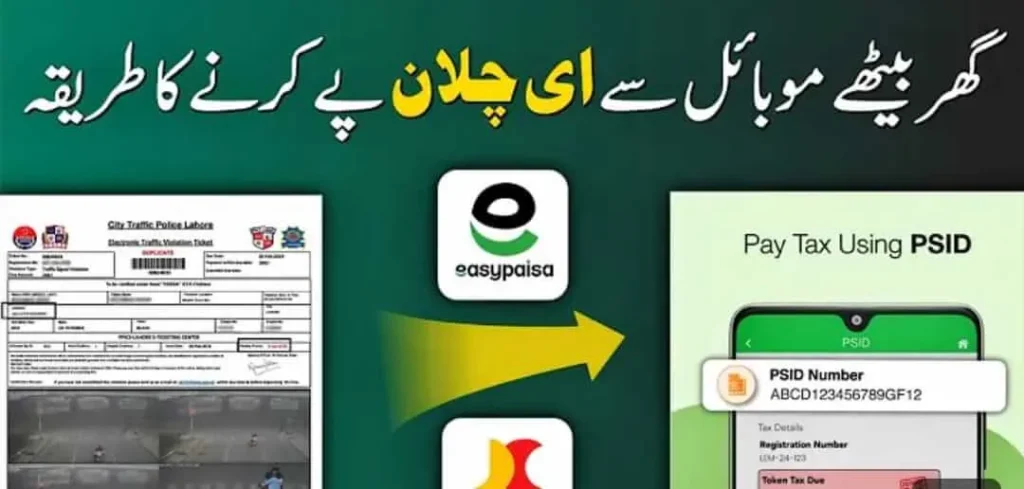
Pakistan’s traffic system is becoming more digital every year, and the introduction of E-Challan is one of the biggest steps toward a modern traffic enforcement system. The days of standing in long queues, visiting traffic offices again and again, or waiting for manual challan slips are gone. Now, you can check, verify, and pay your E-Challan online from anywhere using your mobile phone.
Whether your challan was issued through cameras (PSCA), manual slip, or a traffic wardens’ device—this guide will help you pay it easily.
E-Challan in Pakistan?
E-Challan is a digitally issued traffic fine generated through automated cameras, speed monitoring systems, or on-spot violations recorded by traffic police. The details of the violation, vehicle number, fine amount, and payment status are recorded online in government databases.
You can check your challan by:
- Vehicle number
- CNIC
- License plate
- Challan number
And once verified, you can pay it through various digital methods.
How to Pay E-Challan Online in Pakistan — Complete Steps
Pakistan offers multiple ways to pay traffic fines online. Below are the most reliable and commonly used payment methods, explained step by step.
Pay E-Challan via Bank of Punjab (BOP)
In Punjab, the Bank of Punjab (BOP) is the official banking partner of PSCA. You can pay both online and offline.
Steps to Pay E-Challan via BOP Branch
- Visit any nearest Bank of Punjab branch.
- Bring your printed challan or challan number.
- Give the challan details to the cashier.
- Pay the fine amount in cash.
- Collect the printed receipt as proof of payment.
Why Choose BOP?
- Official partner for PSCA
- Instant payment update
- Best option for offline payments
Pay E-Challan via ATM (1-Link Network)
If you have an account in any 1-Link connected bank (HBL, UBL, ABL, MCB, Meezan, etc.), you can pay challan through an ATM.
Steps to Pay Through ATM:
- Insert ATM card → enter PIN
- Go to Bill Payment / Taxes / Fines
- Select Traffic Challan / PSCA Challan
- Enter your challan number
- Confirm the violation and amount
- Complete the transaction
Benefits of ATM Payment
- Works 24/7
- No need to visit a branch
- All major banks supported
Pay E-Challan via Easypaisa (Most Popular)
Easypaisa is Pakistan’s easiest method to pay e-challan online.
Steps to Pay with Easypaisa App
- Open Easypaisa app
- Login to your account
- Go to Bill Payment
- Select Traffic Challan
- Choose your region:
- Punjab Police
- Sindh Police
- Islamabad Police
- Enter challan number
- Confirm challan details
- Pay using Easypaisa balance
Why People Prefer Easypaisa?
- Super fast
- Instant receipt
- Works for all provinces
Pay E-Challan via JazzCash
JazzCash is another convenient mobile wallet option.
Steps to Pay E-Challan via JazzCash
- Open the JazzCash app
- Login with your mobile number
- Select Pay Bills
- Go to Traffic Challan
- Choose your province
- Enter the challan number
- Confirm and pay
Benefits
- Easy interface
- Digital payment record
- Safe & secure
Pay E-Challan through Internet/Mobile Banking Apps
Almost every major bank in Pakistan supports e-challan payments through mobile apps.
Supported Banks:
- HBL
- UBL
- MCB
- Meezan
- ABL
- Faysal Bank
- Bank Al Habib
- JS Bank
Steps to Pay via Mobile Banking
- Login to your bank’s mobile app
- Go to Bill Payments
- Select Traffic Challan / E-Challan
- Choose your region
- Enter challan number
- Confirm details and pay
Why Use Mobile Banking?
- No wallet charges
- Fast processing
- For people who avoid third-party apps
Pay E-Challan via NADRA e-Sahulat Centers
If you want an in-person payment but don’t want to visit bank branches, NADRA e-Sahulat is a good option.
Steps:
- Visit any NADRA e-Sahulat franchise
- Provide your challan number
- Pay in cash
- Get a printed receipt
Best For
- People who prefer offline payments
- Rural areas with no banking apps
Pay E-Challan Offline (Traffic Police Offices)
For manual challans or special cases, you can pay in person.
Where to Pay Offline
- City Traffic Police Offices
- Bank of Punjab branches (Punjab)
- Designated payment centers (Sindh/Islamabad)
How Long Does E-Challan Payment Update Online?
Payment usually updates within:
- 5–30 minutes (Easypaisa/JazzCash/bank apps)
- 1–2 hours (ATM)
- Same day (BOP branch or e-Sahulat)
If payment does not update, you can contact:
- PSCA helpline (Punjab)
- Sindh Police Traffic helpline
- Islamabad Traffic Police helpline
Why It’s Important to Pay E-Challan on Time
Ignoring or delaying challan can cause:
- Increased fine amount
- Vehicle blockage in system
- Issue during transfer or token tax
- Problems while renewing smart card or registration
Tips to Avoid Getting an E-Challan
- Follow speed limits
- Do not cross red signals
- Avoid mobile phone while driving
- Wear seat belts and helmets
- Keep number plates as per govt standards
Final Thoughts
Paying E-Challan in Pakistan has become extremely simple thanks to digital payment options. Whether you prefer mobile wallets like Easypaisa/JazzCash, online banking, ATM, or branch visits—you can clear your fines quickly and easily.