Punjab e-Stamp Paper (32-A) – Online Challan, Verification & Print
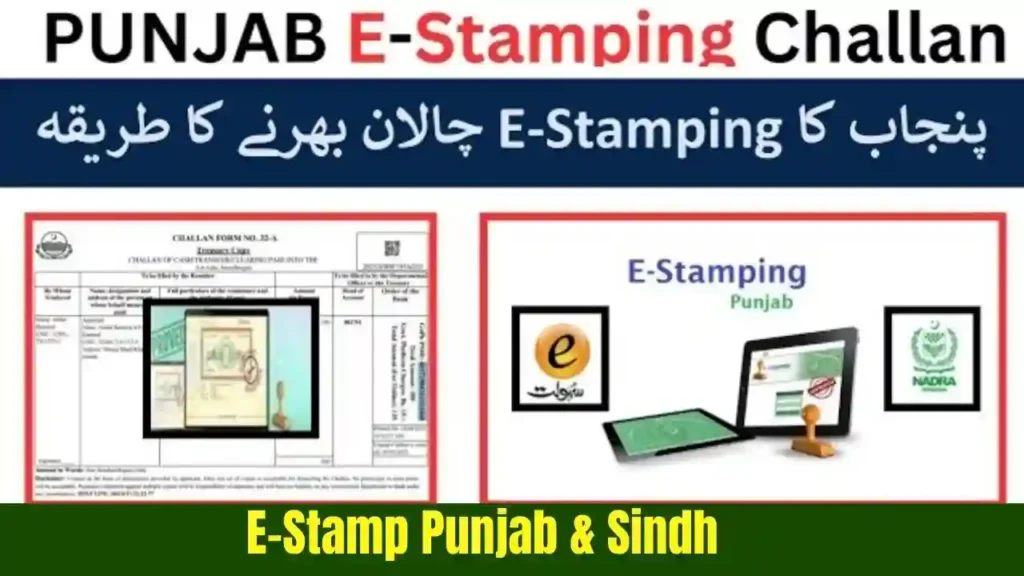
What Exactly Is Punjab e-Stamp?
Most people still imagine Punjab e-Stamp Paper as those old yellow papers you buy from agents outside Kacheri.
But now Punjab Government has shifted to a completely digital system called e-Stamping.
This system is created by:
- Punjab Board of Revenue
- Punjab Information Technology Board (PITB)
And it replaces the old stamp-paper system.
In simple words:
“e-Stamp means you don’t need to buy paper manually. Aap online challan (32-A) fill karte ho, fees pay karte ho, aur official stamp print kar sakte ho.”
This system not only saves time, but it also kills fraud.
Pehle log fake stamp papers de dete thay, ab woh almost impossible hai.
Why 32-A Challan Is Required?
The 32-A challan is the main legal form used to calculate stamp duty for:
- Property buying/selling
- Gift deeds
- Power of Attorney
- Partnership deeds
- Rent agreements
- Mortgage documents
- Affidavits
- And dozens of other legal papers
This challan shows:
- Who is paying
- Kis document ke liye
- Kitni duty lag rahi hai
- Kis property ka area hai
- Kya valuation hai
- Buyer/seller details
Ye form government record ka part hota hai.
How the Punjab e-Stamp System Works (Explained Clearly)
The system basically works in 3 steps:
Step 1: Generate the e-Stamp Challan (32-A)
Aap online portal pr ja kar apna data fill karte hain.
Step 2: Pay the Amount
You can pay at:
- Bank of Punjab
- Any designated bank branch
- Online channels (where available)
Step 3: Print the e-Stamp
After payment clears, the official stamp paper is generated with:
- QR Code
- Verification number
- Digital signatures
- Buyer & seller info
- Stamp duty amount
- Serial number
Iski real-time verification hoti hai.
Generate 32-A Punjab e-Stamp Challan
Below is the simplest guide — even a beginner can follow:
Visit the Official Punjab e-Stamp Website
Here you will find:
✔ Generate 32-A option
✔ Property valuation
✔ Stamp duty calculator
Interface bilkul simple hota hai.
Select the Purpose of Stamp Paper
You will choose document type:
- Sale deed
- Gift deed
- Power of attorney
- Rent agreement
- Mortgage deed
- Exchange deed
- Partnership papers
Har document ki separate stamp duty hoti hai.
Enter Applicant Information
You will add:
- Name
- CNIC
- Phone number
- Address
Agar seller/buyer hain to dono ke details enter karne honge.
(Urdu tip)
“Naam aur CNIC bilkul sahi likhein, warna stamp invalid ho sakta hai.”
Enter Property Details (If Applicable)
If document is property-related:
- Property type
- Khasra number
- Mouza name
- Area (marla, kanal, sq ft)
- Location
System automatically fetches govt valuation tables.
System Automatically Calculates Stamp Duty
This is the best part:
- No agent required
- No risk of overcharging
- Zero calculation errors
The system uses official formulas to calculate:
- Stamp Duty
- Capital Value Tax (CVT)
- Registration Fee
Download Your e Challan (PDF 32-A Form)
This PDF contains:
- Challan number
- Payment amount
- Pay-by date
- All details you entered
Aap isko easily print bhi kar sakte ho.if you know about how to check e challan click it: e-challann.pk
Pay the Challan
You can pay through:
✔ Bank of Punjab
✔ Online banking (limited banks)
✔ Mobile wallet (where available)
Payment usually updates within minutes.
Get Your e-Stamp Printed
After payment:
- Go to bank
- Or an e-Stamp center
- Or online print option (if allowed)
Your stamp will look like:
- Blue/Pink digital layout
- QR Code
- Serial number
- Duty break-up
- Verified status
How to Verify Punjab e-Stamp Online
A very important step.
Anyone can verify:
- Buyer
- Seller
- Lawyer
- Registrar
- Even future buyer
Just enter:
- Verification number
- CNIC
- Document ID
System instantly tells:
- Stamp is real or not
- Payment status
- Issued date
- Document type
(Urdu Reminder)
“Verification zaroor karein — market me fake printouts bhi ghoom rahe hote hain.”
Which Documents Require Punjab e-Stamp? (Full List)
Below is the common list:
Property Related
- Sale Deed
- Transfer Deed
- Gift Deed
- Mortgage Deed
- Exchange Deed
Business Related
- Partnership Deed
- Business Agreement
- Dealership Agreements
General
- Affidavits
- Undertakings
- General Power of Attorney
- Special Power of Attorney
- Rent Agreements
- Indemnity Bonds
- Security Bonds
- Guarantee Papers
Agar aapka document legal value rakhta hai — chances are high ke e-stamp zaroor lagega.
Top Benefits of Punjab e-Stamp System
✔ Zero Fraud
QR code + digital verification = safe.
✔ No Agents
Pehle log 500–1500 extra charge karte thay.
✔ Time Saving
Whole process sometimes takes 10 minutes only.
✔ Error-Free
Automatic calculations ensure accuracy.
✔ Govt Verified
Registrar office directly checks it online.
✔ Accessible
Available in all major cities including:
- Lahore
- Faisalabad
- Rawalpindi
- Multan
- Sialkot
- Bahawalpur
- Gujranwala
- And all districts of Punjab
Common Mistakes People Make
And how to avoid them:
❌ Wrong CNIC
Fix: Always double-check the number.
❌ Wrong Property Area
Fix: Confirm with registry office or patwari.
❌ Spelling mistakes
Fix: Enter slowly — spellings matter.
❌ Paying from someone else’s account
Fix: Payment must match challan details (recommended).
❌ Not verifying the stamped paper
Fix: Always check QR code status.
FAQs
1. Can I generate multiple e-stamps with one challan?
No. One challan = one stamp.
2. Can I edit challan after generating it?
No. You must generate a new one.
3. Can I cancel an e-stamp?
Yes, but cancellation rules vary depending on payment & document type.
4. What if I made a typo?
Generate a new one. Old one becomes useless.
Conclusion
Punjab’s e-Stamp 32-A challan system is one of the best digital services in Pakistan right now.
It removes fraud, cuts costs, and makes property or legal paperwork simple—even for beginners.
Agar aap Punjab me property khareed rahe hain, rent agreement bana rahe hain, ya legal paper prepare kar rahe hain…
Toh e-stamp challan hi sab se safe, fast, aur reliable tareeqa hai.